Guided photo preview
Create a more consistent planning photo.
The native camera checks lighting, straight-on face position, eye alignment, framing, and sharpness before you crop and confirm the image.
Bring photo preview, an approximate eyelid surgery simulator, sourced answers, provider discovery, costs, recovery, and consultation planning into one private iPhone experience.
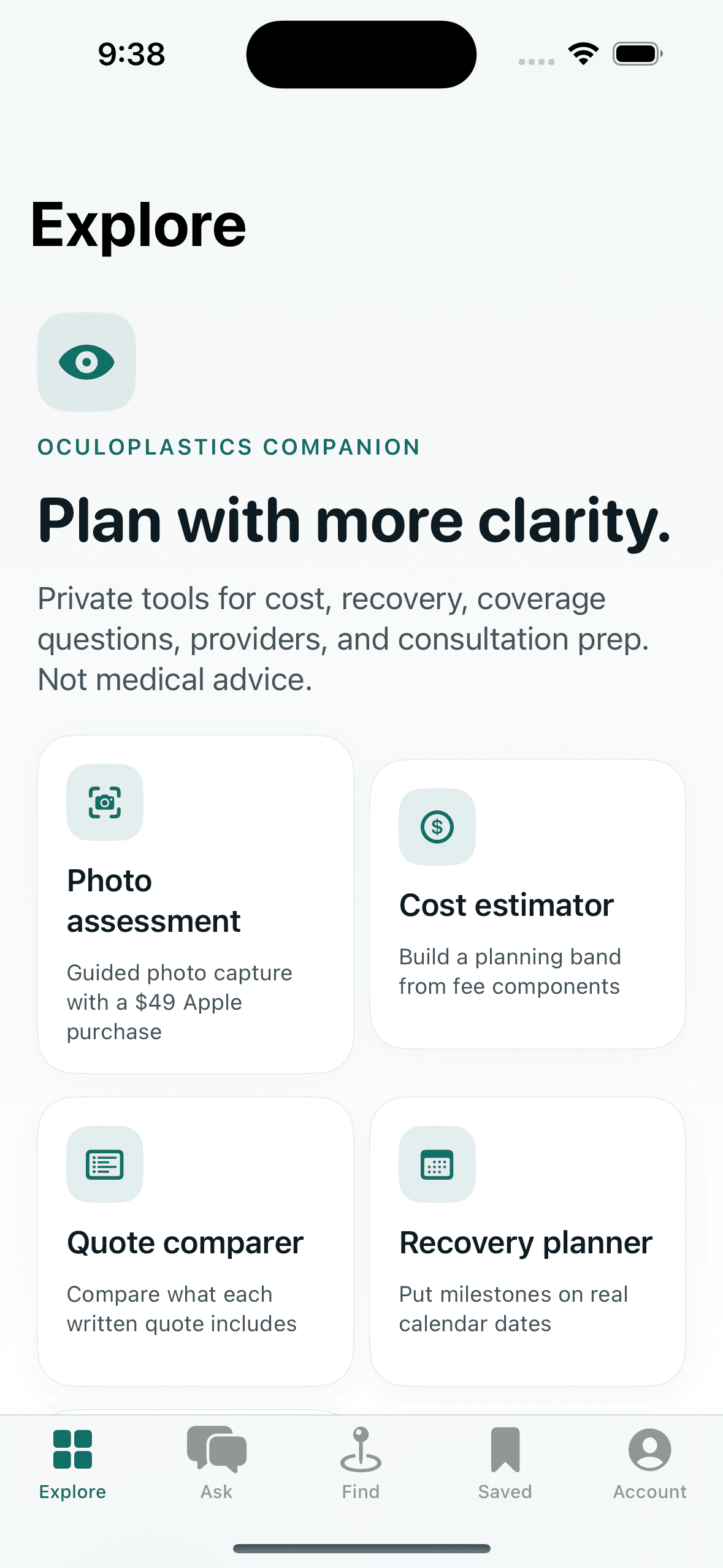
Photo preview and consultation planning
SurgeryViz uses native camera, photo library, location, email access, and sharing features where they make preparation easier. It keeps the distinction between an approximate visual preview and a clinician’s examination explicit.
Guided photo preview
The native camera checks lighting, straight-on face position, eye alignment, framing, and sharpness before you crop and confirm the image.
Private eyelid surgery simulator
Use a private photo preview to organize what you want to discuss. A simulation is approximate—not a diagnosis, treatment recommendation, or guaranteed result.
Ask SurgeryViz
Ask about costs, recovery, coverage documentation, or consultation preparation. Answers include sources, evidence limits, and questions to confirm with a clinician.
Provider discovery
Search Google Maps practice listings alongside official NPPES records, then verify details directly instead of relying on an opaque quality ranking.
Consultation planning toolkit
Use the tools as question builders. Costs, simulations, recovery dates, and provider data are planning aids and should be confirmed with the relevant professional.
Prepare questions at home, compare details during the visit, and keep the next steps close by.